
Searching Cases by Name
Pick the court before you type a name. General Division civil and felony criminal records live in one place. The public route is Common Pleas Case Inquiry/eServices. Municipal CaseLook handles a different set. It covers misdemeanor cases, adult traffic, small claims, evictions, and Municipal civil filings. Probate runs its own search. That search does not open Juvenile records to the public. The two simply share a channel.
Before the Municipal search form loads, the official interface posts a terms notice. The form offers controls for name, case number, date, attorney, judge, and date components. Enter whatever identifying details you have. Then compare the court, the case type, and the date before opening any result.
- Open the official directory or identify the court on the notice, citation, pleading, or prior record.
- Choose Common Pleas, Municipal, or Probate instead of starting with an all-county name assumption.
- Use the portal’s visible name-search control and compare returned cases with the known court and case type.
- Open the matching case detail and read the dated docket entries in order.
- Use the correct clerk if the result is unclear, delayed, missing a document, or needs verification.
| Field/control | Type | Required | Verified Fairfield note |
|---|---|---|---|
| Continue | Link or button | Yes for Municipal CaseLook | Passes the Municipal terms notice. |
| Name | Text control | Unspecified | Municipal interface script supports a name query. |
| Case number | Text control | Unspecified | Retain the local number exactly as printed. |
| Date components | Day/month/year controls | Unspecified | The script supports date and date-range searching. |
| Attorney or judge | Text/autocomplete | Unspecified | Interface code supports lookup behavior. |
Fairfield County Case Search Directory
Unsure which court has your case? Begin with Fairfield County’s Records Search directory. The directory sorts access by channel. Common Pleas civil and criminal sit on one side. Municipal Dockets and Case Search sit on another, plus Probate hearings, Probate records, and public-record request routes. That routing step saves you from hunting a traffic citation in Common Pleas. It also spares you a felony-indictment search in Municipal Court.
The directory mirrors how Fairfield County actually divides its records. The elected Fairfield County Clerk of Courts keeps the General Division civil and felony-criminal dockets for Common Pleas. Municipal Court runs its own clerk and its own case system. Probate/Juvenile forms a third channel. There the Probate/Juvenile judge also serves as clerk of that court. One caution: the directory helps you choose the right office. But it does not merge the separate court databases into a single name search.
Fairfield County Common Pleas Search
Common Pleas Case Inquiry/eServices covers public General Division civil and felony criminal information. It does not cover every Fairfield case. According to the Clerk, Common Pleas dockets from 1993 to present are online. Anything older goes through the Records Division. The same platform doubles as an ECF gateway. But public case inquiry and registered electronic filing are two different functions.
Document images tell a similar story of limits. Civil and criminal images filed January 1, 2019 forward are online. Domestic Relations and Fifth District images are not. Civil protection-order and stalking civil-protection-order records stay off internet CourtView eAccess. The county also warns that accuracy is not guaranteed. Some records simply are not viewable online.
The Clerk’s eServices page names the official entry points for both Case Inquiry and ECF. The page itself displays the county’s gateway. The live query and the Records Division handle the actual steps of pulling a case.
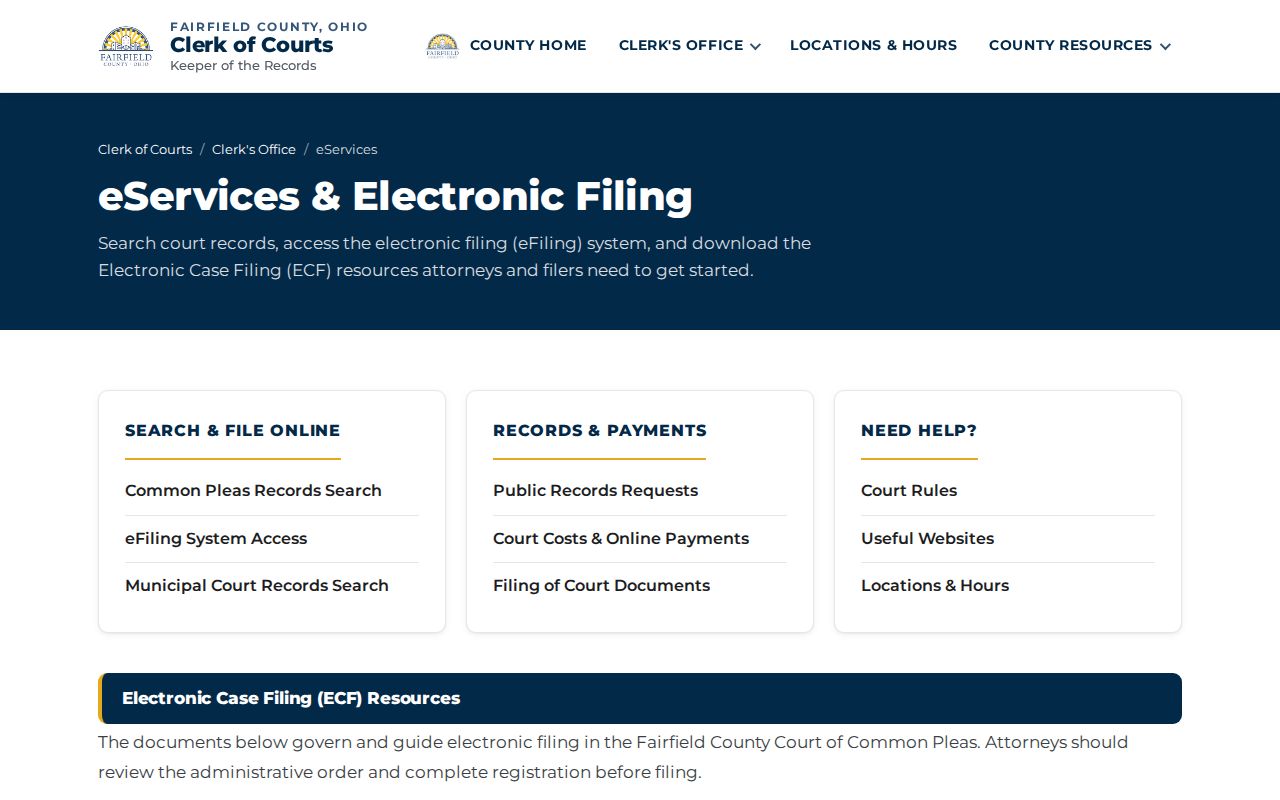
Common Pleas only keeps the docket classes described above. When a case belongs to Municipal, Probate, or another clerk, take the search there instead of forcing it through the wrong court.
Searching by Case Number
A case number is the best way to untangle a Fairfield search. Copy it straight from the citation, notice, pleading, calendar, or prior docket. No added spaces, changed digits, or guessed codes. The official Common Pleas format is 2001 CR 00001: a four-digit year, a two-letter case type, and a five-digit number with leading zeroes. Common Pleas Case Inquiry expects that exact form.
Municipal numbers follow their own pattern. Daily dockets show criminal-style CRB prefixes and civil-style CV prefixes, each with a year and a sequence, sometimes a trailing letter. The court publishes no complete local prefix legend. Those patterns are context only, never a license to alter a printed identifier.
What if the number returns nothing? Recheck the court before retyping. A Municipal preliminary felony stage, a later Common Pleas indictment, or an appeal can each carry its own number in the receiving court.
Fairfield County Municipal Case Routes
Municipal CaseLook splits its access by case type. Civil cases go through searchForm2329. Criminal and adult traffic cases use searchForm2328. The court’s navigation makes that split explicit, so a Municipal civil number will not come through the criminal/traffic route, and the reverse fails the same way.
| Fairfield Municipal case type | CaseLook route | Useful fallback |
|---|---|---|
| Misdemeanor criminal | Criminal route 2328 | Municipal clerk/court at 740-687-6621 |
| Adult traffic | Criminal/traffic route 2328 | Traffic Violation Bureau or daily docket |
| Civil case | Civil route 2329 | Municipal clerk/court |
| Small claims or eviction | Municipal civil route and court resources | Municipal clerk/court |
A dated Municipal daily docket answers a simpler question: where and when is the hearing? It is only a schedule. It is not a full register of filings, document images, case history, or a ledger.
Fairfield County CaseLook Posting Delay
CaseLook’s own notice admits the system has limits. A filing or judicial action may take at least 24 hours, or longer, to post. So a very recent event can be missing even though the court has already acted. The notice also tells people who need verified information to request it from Municipal Court. A visit in person works too.
The Municipal CaseLook gateway posts the terms notice before any search choices. That official threshold is what the court itself presents to every searcher.
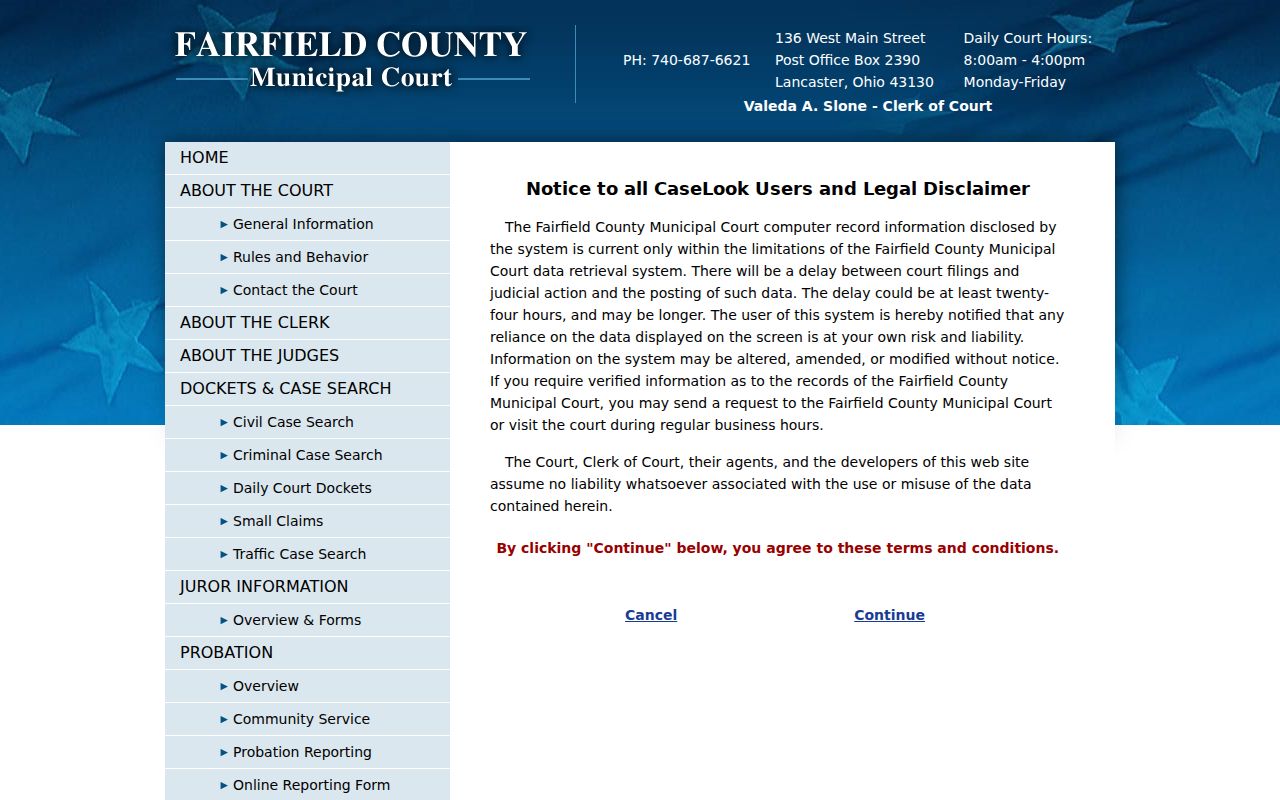
Checking on a recent hearing? Compare the portal result against the current daily docket, and call the court whenever the status must be confirmed.
What a Case Search Returns
A case lookup in Fairfield County usually gives you two layers of detail. The results list holds just enough to spot your matter. The full case view goes deeper. It opens with the case number, court or division, filing date, case type or style, status, judicial officer, parties, and counsel. From there it runs the dated entries and calendar events, ending with a judgment or disposition entry where one applies.
| Case number | The court’s unique identifier, more reliable than a name for opening the right file. |
|---|---|
| Court or division | Shows whether Common Pleas, Municipal, Probate, or another local custodian holds the record. |
| Case style and type | Identifies the public caption and category of proceeding. |
| Filed date and events | Separates a filed court action from a later setting or order. |
| Status or disposition | Must be read with the newest dated entry; a calendar listing is not a final result. |
A daily docket is a narrower tool. It lists courtroom, time, judicial officer, setting type, case number, matter label, and often counsel. Do not treat it as a complete file, though. Filed images and final outcomes may not appear there at all.
Fairfield County Probate Search History
Probate gives you a third way to run a case search. The current record search reaches roughly 1991 to the present. A separate historical search covers about 1803 to 1995. The overlap between the two is real. So pick the range that fits your years before you start. A historical query is its own local access channel. Do not fill that gap with a Common Pleas or Municipal docket search. The Probate records-search page offers both options. The official page shows the current and historical choices side by side. Check the date range there before calling the Probate division.
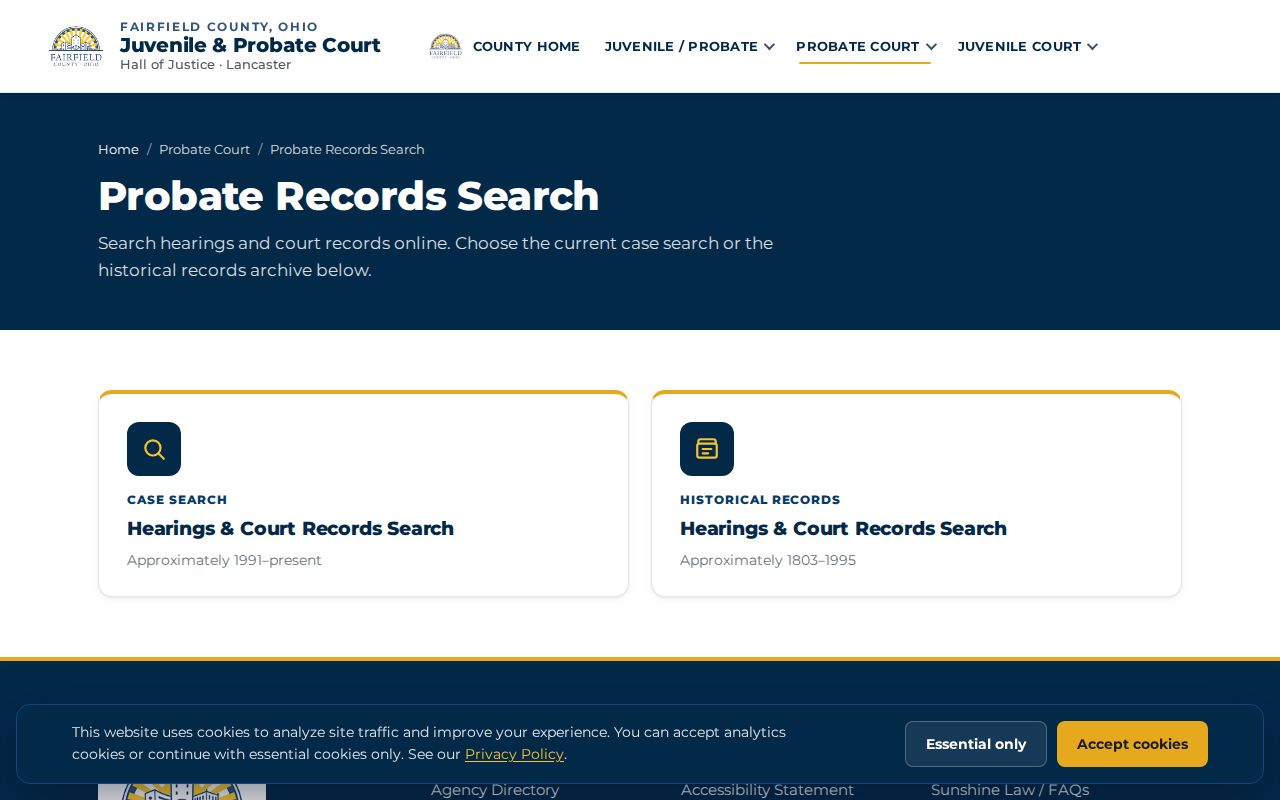
Restricted material: A Probate court docket can still contain sealed parts, including adoption files, confidential identifiers, health-related records, and anything a judge has ordered closed.
Fairfield County Case Filing Boundary
Electronic filing and public case search are two different doors. Fairfield Municipal Court sends its filings through a portal run by Henschen & Associates. That is a filing tool. Common Pleas eServices mixes public inquiry with a separate workflow for registered filers.
A docket search is not e-filing access. Finding a Fairfield County case in a docket search does not make you an authorized filer. Nor does an e-filing screen work as a full viewer for public court records.
The Municipal e-filing host is the vendor route Municipal Court itself names, and that filing gateway stays separate from Municipal CaseLook's public search route shown on the official page here.
Trying to read an old filing? That is a records question. Use the court-specific docket search or the clerk request path rather than treating filing access as a records request.
Statewide vs County Case Search
Ohio has no single statewide name-search portal for trial court dockets in Fairfield County. The Supreme Court's own tools cover appellate and Supreme Court matters only. Local portals handle the trial courts. That makes Fairfield a county-portal place. Start with the court directory, then pick the Common Pleas, Municipal, or Probate channel that holds the case you need.
| Search layer | What it provides | Fairfield use |
|---|---|---|
| Statewide trial-court portal | No unified public portal identified | Do not expect one all-county name result. |
| Common Pleas eServices | General Division civil and felony criminal information | Use for the correct Common Pleas case. |
| Municipal CaseLook | Municipal civil, misdemeanor, and traffic routes | Choose 2329 or 2328 by case type. |
| Probate search | Current and historical Probate choices | Use for Probate records, subject to restrictions. |
Need a Fifth District appeal? Don't lean on the trial docket alone. The full appellate record sits with the Clerk's Court of Appeals division, so run the appellate path and ask that division directly instead of assuming the trial court's docket holds everything.
Fairfield County Missing Case Results
A Fairfield County docket search can come up empty. The blank screen usually has a local reason behind it. You may be in the wrong court. Municipal CaseLook could still be inside its posting delay. A Common Pleas case filed before 1993 belongs with the Records Division. Probate cases sometimes need the historical search. Sealed files, juvenile matters, confidential records, and cases shielded for personal identifiers will not display to the public at all. So treat one blank result as the start of a structured escalation, not a verdict.
Begin the escalation with two things: the case number and the court where it was filed. From there, work through the court-specific portal, the current daily docket for a Municipal hearing that is already scheduled, the right court's telephone line, an in-person look at the file, or a formal public-record request. For Common Pleas records, the Records Division posts 740-652-7358 and ClerkRecords@FairfieldCountyOhio.gov. Municipal Court lists 740-687-6621. Probate and Juvenile each keep their own record keepers.
Note: Clerk staff can locate a case and point you to the right channel, but they cannot lift a lawful restriction or hand out legal advice.
Access and Restricted Cases
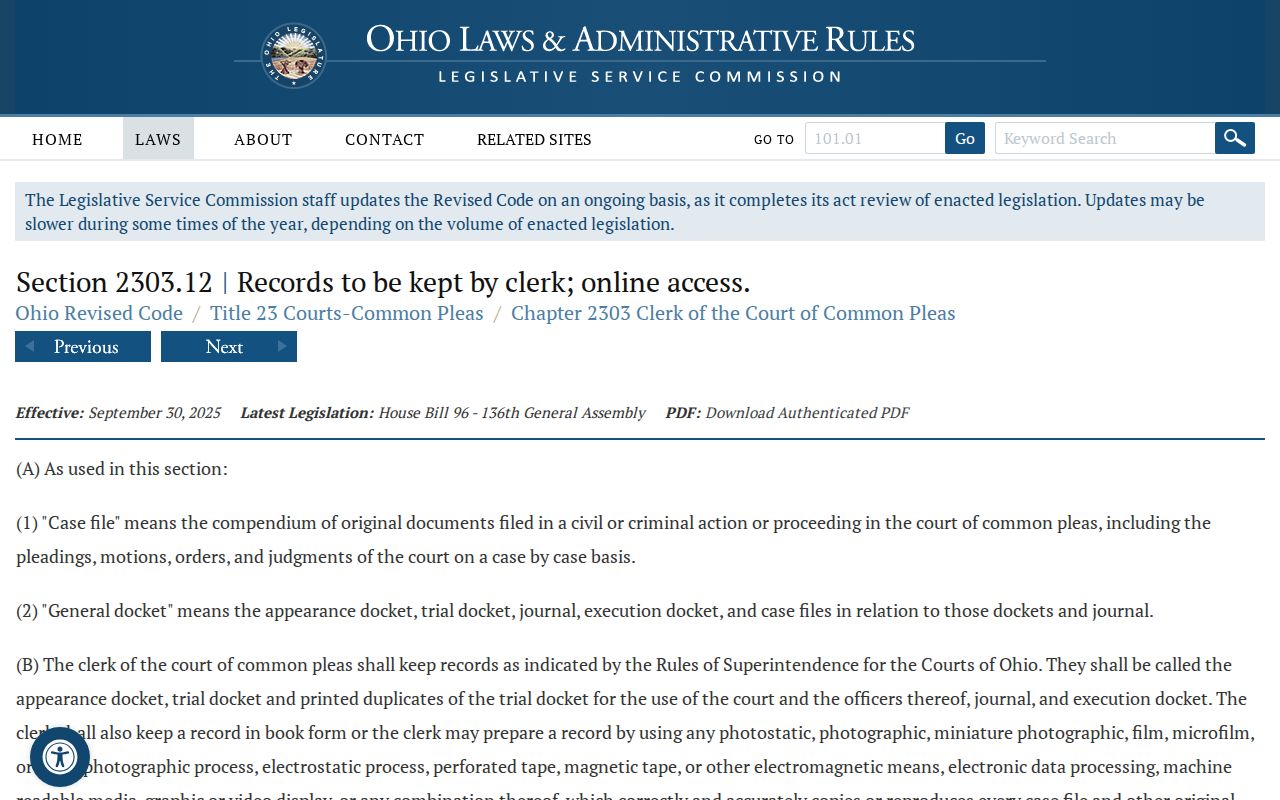
Ohio court rules presume the public can see covered court records. Exceptions and restriction orders still apply. R.C. 2303.12 governs online availability for Common Pleas, with carve-outs for divisions that lack the same remote-publication mandate. Personal identifiers and confidential categories get protection under R.C. 2303.901 and the Rules of Superintendence. Juvenile matters carry statutory confidentiality protections of their own.
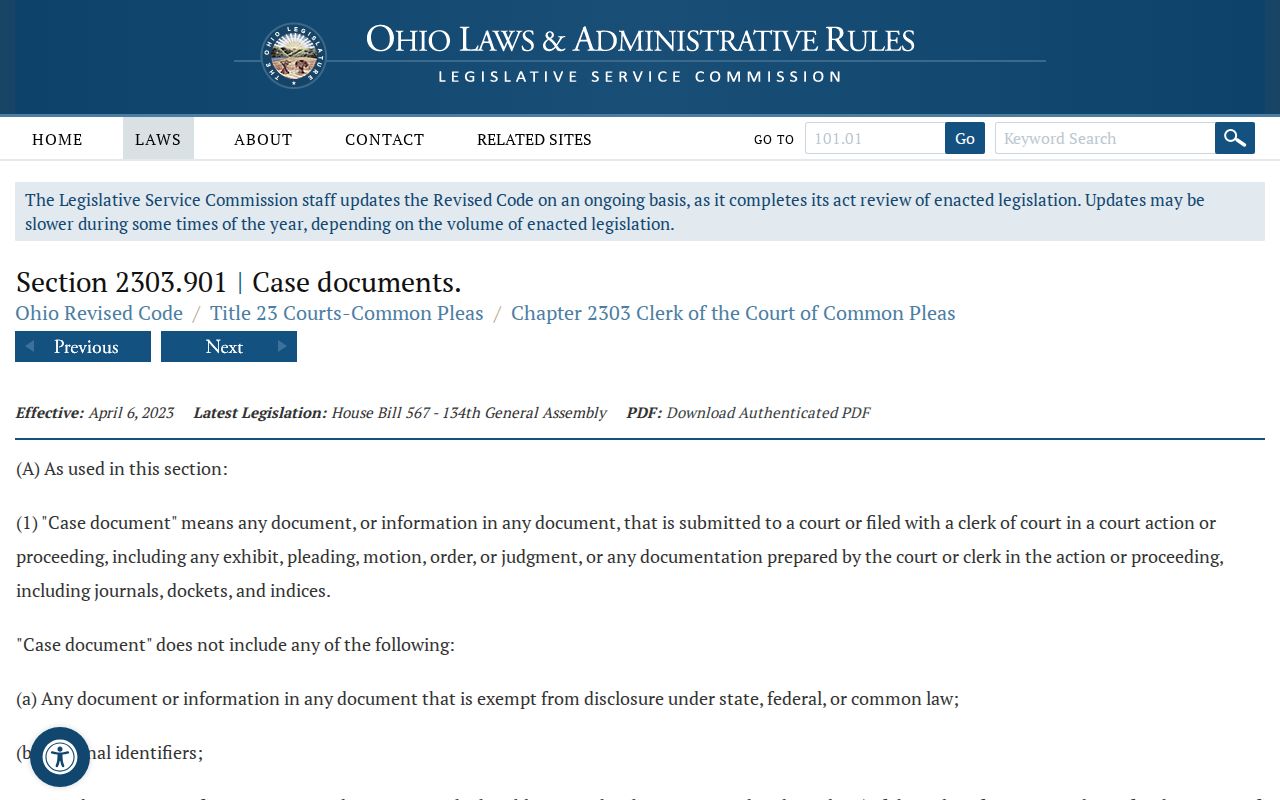
Record-access boundary: R.C. 2303.12 establishes docket-keeping and covered online access. R.C. 2303.901 limits public access to personal identifiers and restricted material. Sup.R. 11.09-11.14 governs court-record access and restrictions.
The official R.C. 2303.12 text lays out the Common Pleas docket rule along with its exceptions. That legal source sets the boundary for a Fairfield County case lookup. Not every file in the county can be viewed from a remote screen.
A restricted record stays locked unless the law or a court order supplies the needed authority. The office holding it has no power to release the file on its own.
Fairfield County Case Identifier Limits
Documents, dockets, indices, pleadings, orders, and judgments can all be court records. Personal identifiers are handled separately. A confidential identifier form may never join the public case file. That separation is deliberate. It is why a docket you can see may hold less than the court's internal case even where public access applies. R.C. 2303.901 is the direct official source for these personal-identifier and restricted-record provisions. Its official text draws the line. Locating a public case is not the same as obtaining material the court may lawfully withhold or redact.
When a record is not online, ask the proper custodian for the specific public item. The court then applies its own access rules.